Your places, on a globe. No addresses
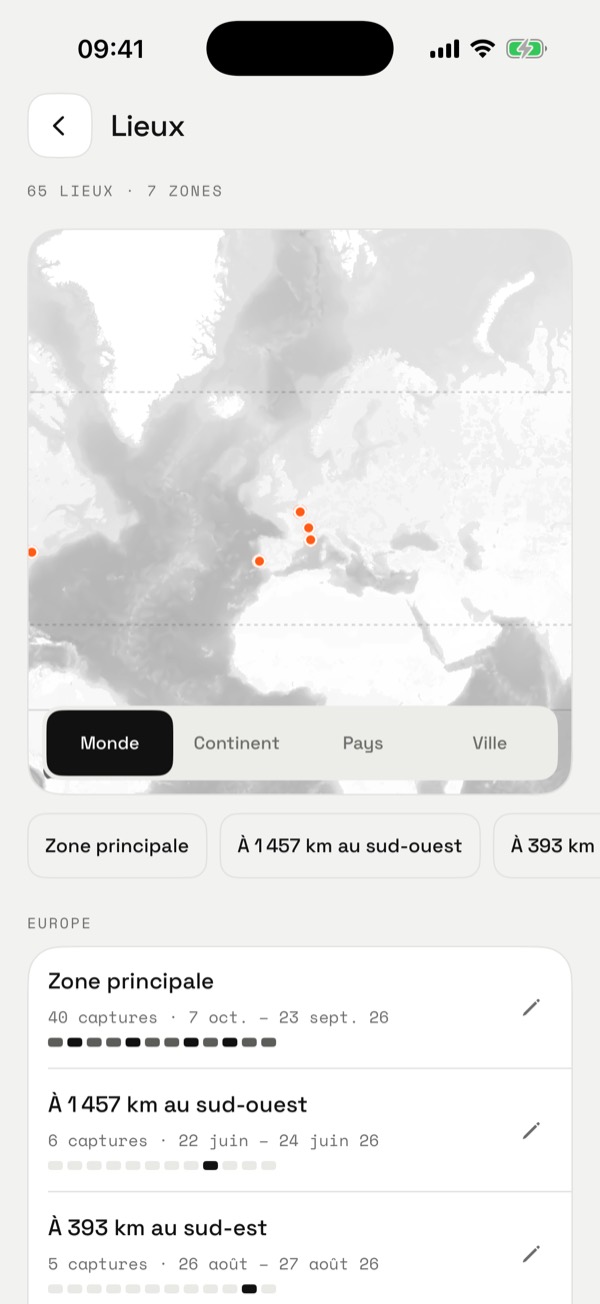
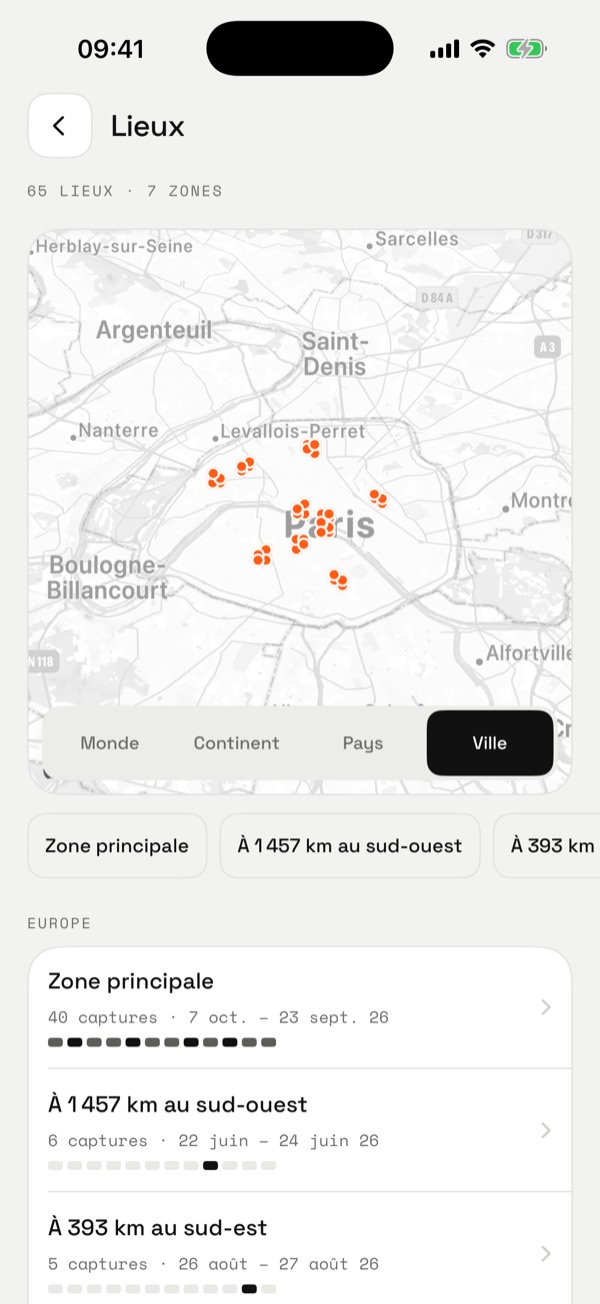
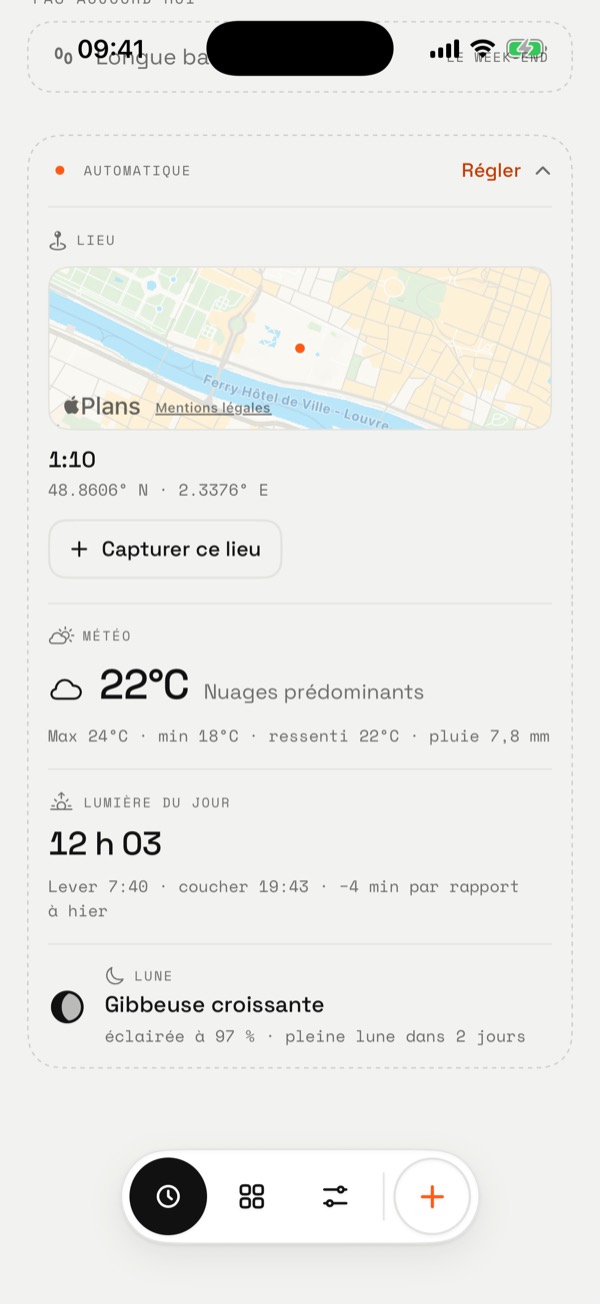
Onelog captures a place when you ask, from the Automatic section or the Place widget: the time, the coordinates, a mini map. The Places page gathers them on a grey map that turns into a globe, in zones sorted by continent.
Places · 72 captures · 6 zones
Drag to spin
Europe
North America
Asia
Sample data. Names are given by hand, with the pencil: Onelog never looks up an address.
How it works
- Captured on demand. A button, or the Place widget that opens the app. Never in the background.
- Zones. Captures less than 40 km apart form a zone. The busiest is the main zone; the others are named by distance and direction.
- Names by hand. A pencil on each zone: “Home”, “Office”, “Lisbon, April”. Try it on the left.
- A scale. World, Continent, Country, City: the map flies between them, the City view tilts.
- In grey. The map stays monochrome; only your places carry the orange point.
In the app
What Onelog doesn’t do
- Address
- No reverse geocoding: Onelog never asks anyone, Apple included, for the address of a point.
- Tracking
- No background location. “While using the app” permission only.
- Sharing
- Places don’t go into the export, a webhook, or to an agent.
Keep going
Try it
One gesture is enough
Free, no account. Your data stays on your iPhone.