Log without opening the app
A + for an amount, a check for a yes, the day ring at a glance. On the Home Screen, the Lock Screen and in Control Center.
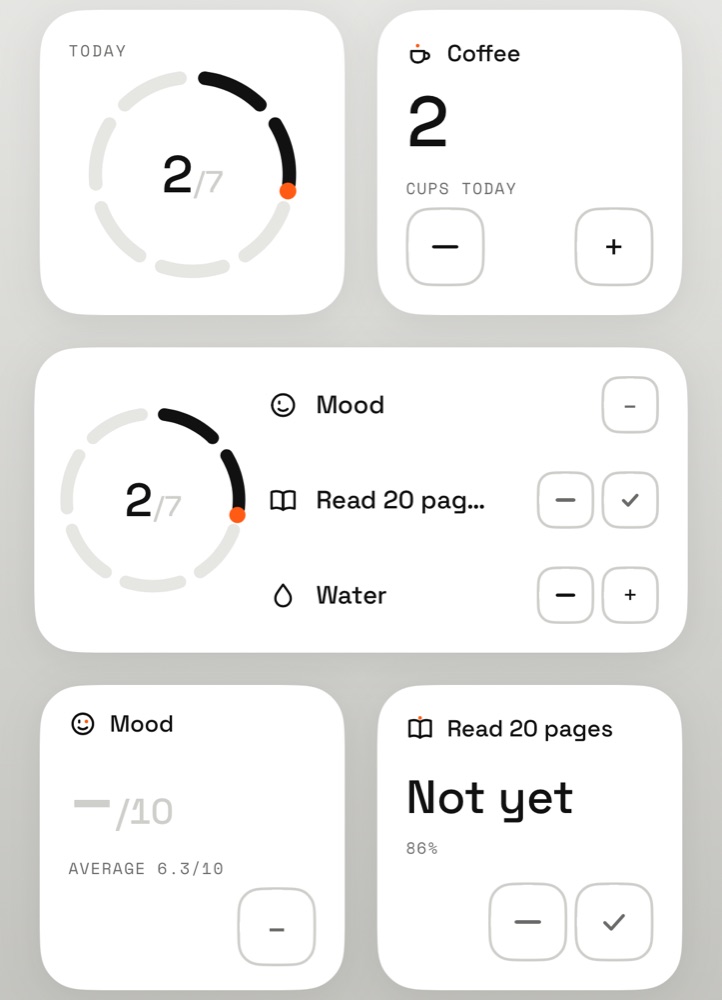
Home Screen
- Day. The day ring alone: one segment per planned log, the orange point at the end of the last one logged.
- One log. Its figure for the day, large, with its buttons: − and + for an amount, — and ✓ for a yes/no.
- Today. The ring and the day’s next logs, each with its buttons.
- Rating and text. One tap opens the app right on the entry.
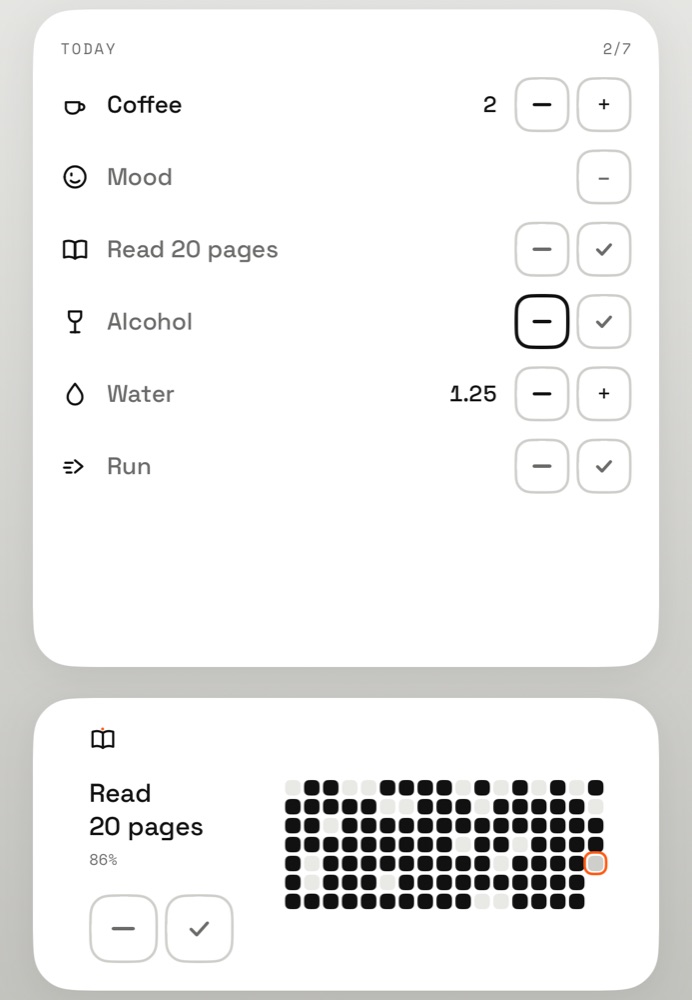
Large
- The whole day. Every log of the day, its value and its buttons, without opening the app.
- Mosaic. Months of one log, day by day; today ringed in orange.
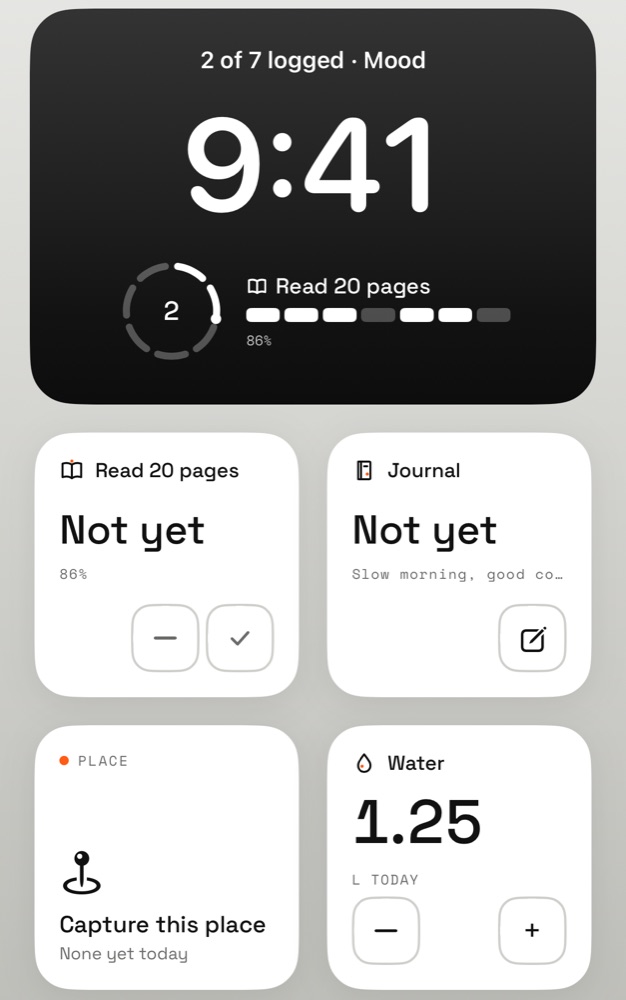
Lock Screen and Control Center
- Lock Screen. The ring in a circle, a line above the time, or a log with its week.
- Place. “Capture this place” opens the app and saves where you are, only when you ask.
- Control Center. Three controls: Log, Write, Capture this place.
- Your way. Widgets follow iOS 26’s tinted and dark Home Screens.
Keep going
Try it
One gesture is enough
Free, no account. Your data stays on your iPhone.